
|
Description of the Job Report Mask
The Job Report mask will be displayed when an Enter job started by the Job Report System has ended. Statistical information about the job, as well as the JR file (SYSOUT, SYSLST or any other file) will be displayed.
An example of the Job Report mask for a job which was started with an E command, and which has finished, is given below.
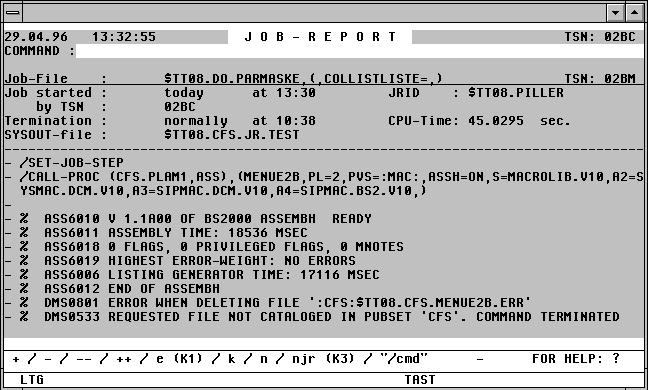

With a mouseclick you get a describtion of the screen item.
The Job Report mask contains a command field, similar to the field in the CFS file list. A number of commands can be entered here to scroll through the listing.
Possible Entries in the Job Report Mask Command Field